
↔
Photo measurement app
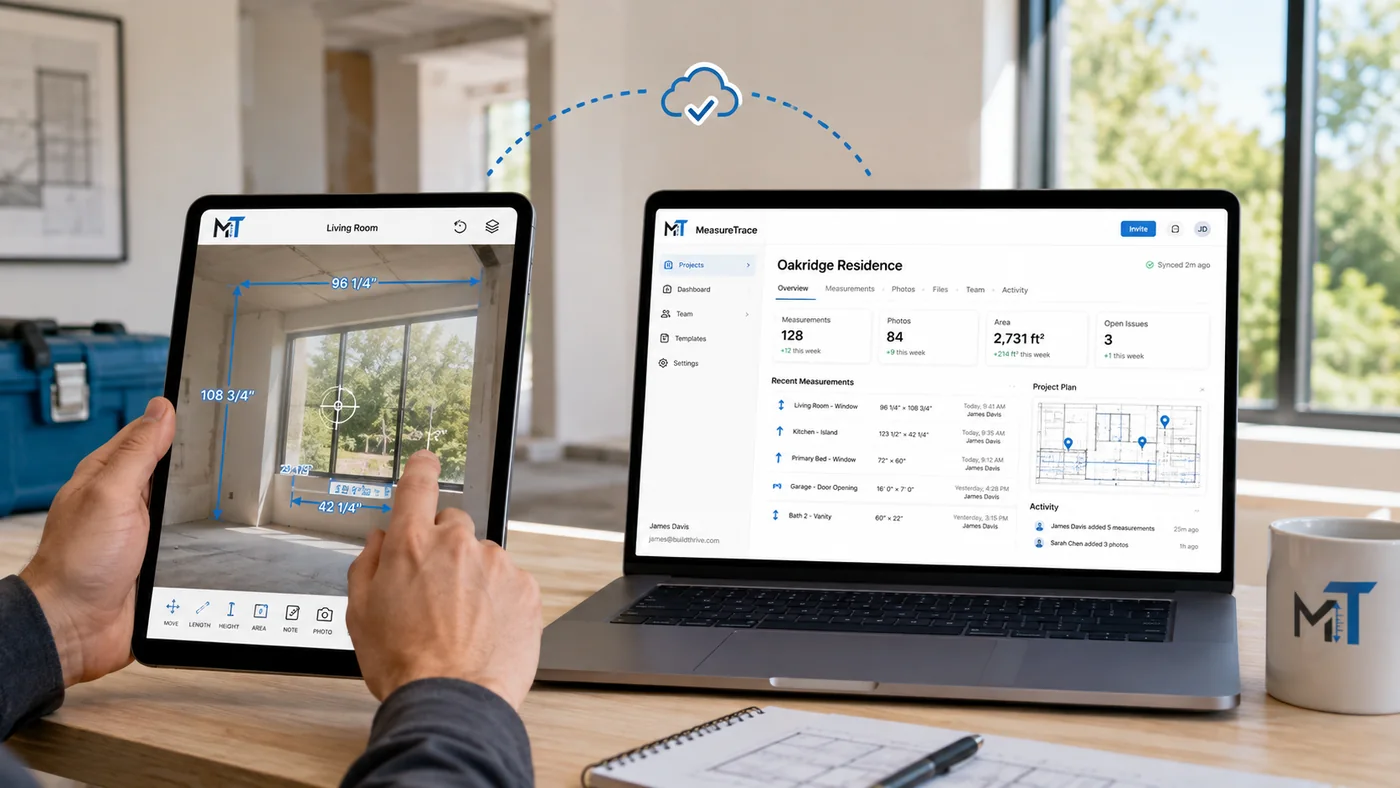
Add values you measured on site directly to a photo, keeping arrows, labels, notes, and context editable.
Explore photo measurement →Capture measurements on photos, work offline, give the office immediate access, and export approved values into calculators, estimates, quotes, orders, reports, and connected software.
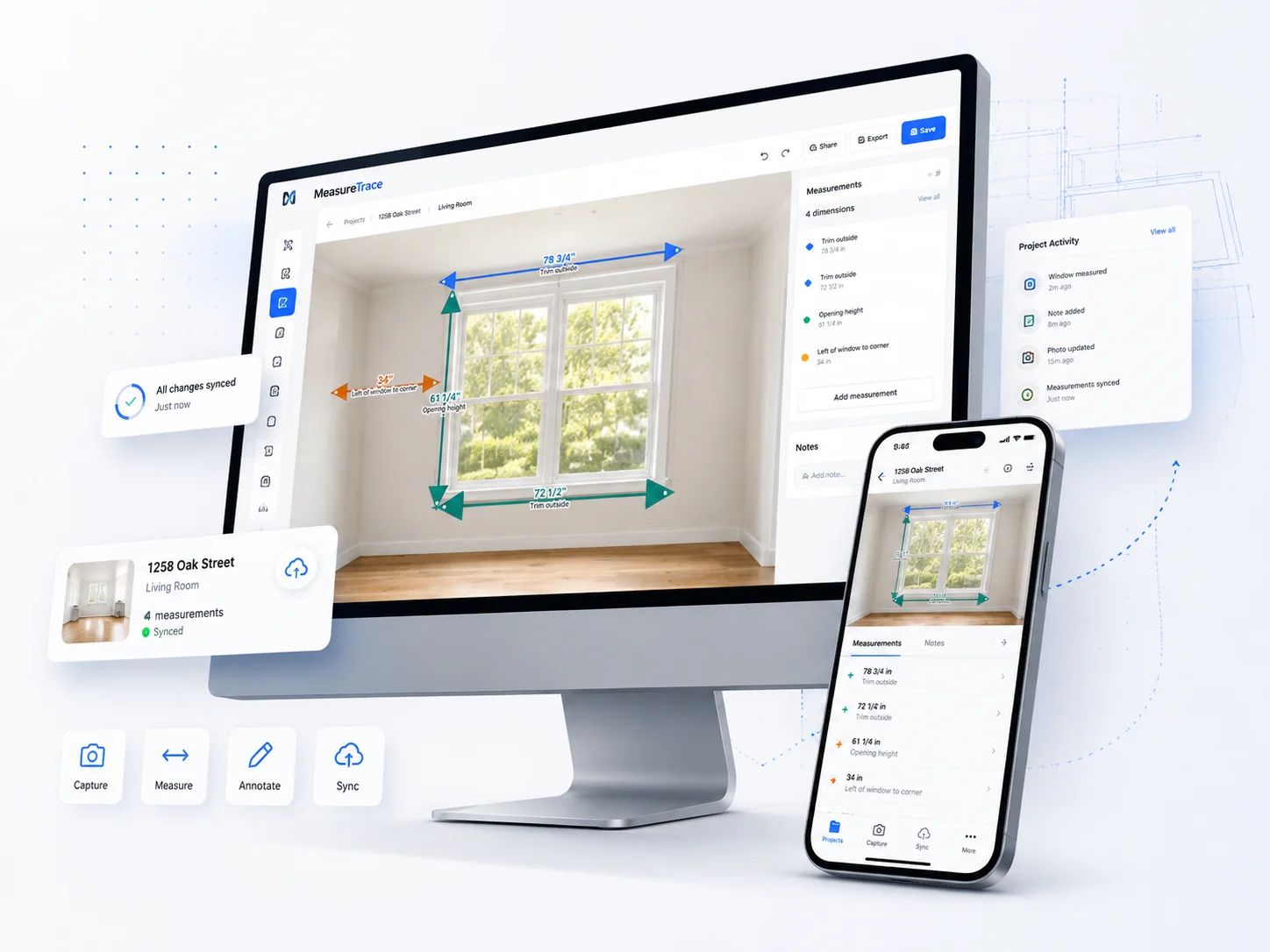
MeasureTrace combines photo measurement, construction photo documentation, offline field capture, and structured measurement exports in one platform.
Add values you measured on site directly to a photo, keeping arrows, labels, notes, and context editable.
Explore photo measurement →Organize jobsite photos, field conditions, measurements, and progress records by project and location.
Explore photo documentation →Capture dimensions offline, synchronize with the office, and carry approved values into the next business step.
Explore field measurement →MeasureTrace keeps the original photo, measurement data, project context, and team workflow connected from the first visit through final documentation.
Capture projects, measurements, notes, and photos without a signal. Changes stay protected on the device until you synchronize.
Draw dimension arrows, add labels, record fractions, and keep multiple valid measurements on the same photograph.
Synchronize structured project data across devices with revisions, tombstones, conflict handling, and controlled retries.
Upload photos through resumable sessions with server-side size, image, and SHA-256 verification before another device downloads them.
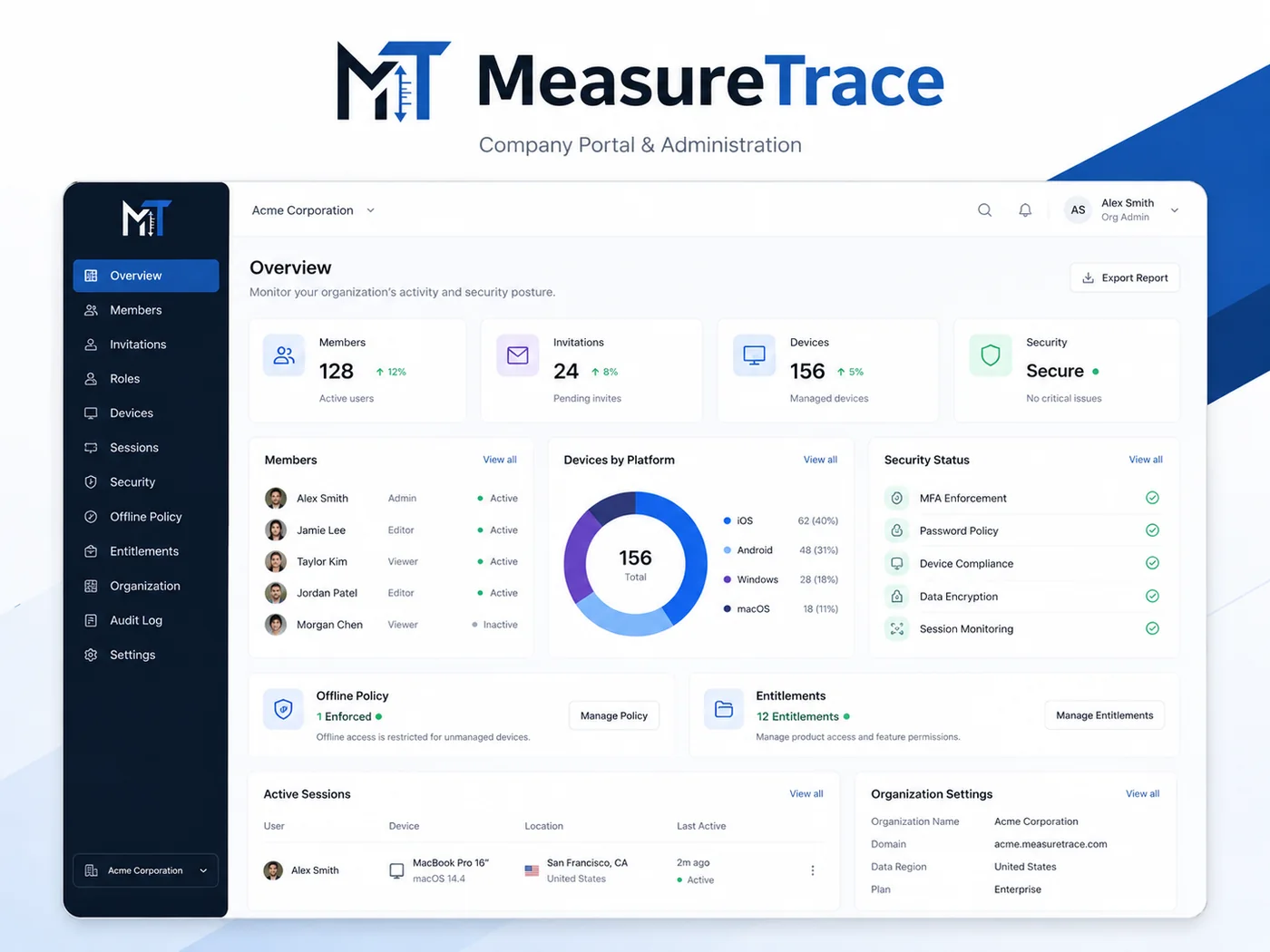
Manage members, roles, device sessions, invitations, offline authorization, and company-owned project data.
Use trade-specific terminology, measurement categories, templates, and workflows while keeping one flexible platform underneath.
Select an industry during setup, then use labels and templates that match the measurements, conditions, and documentation your team captures every day.
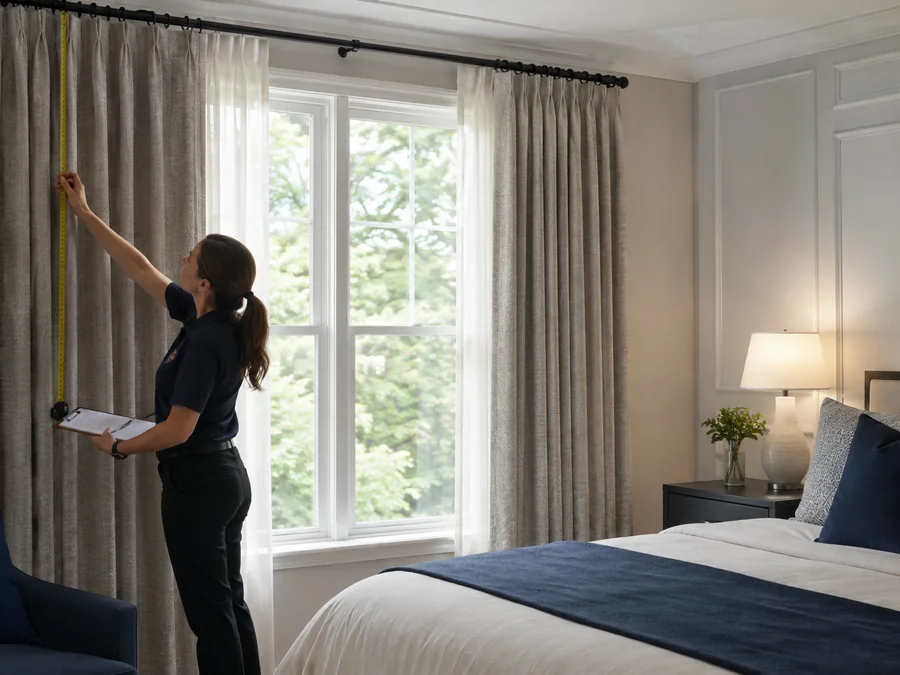
Openings, trim, returns, stacking space, mount conditions, finished dimensions, and treatment options.
Detailed configuration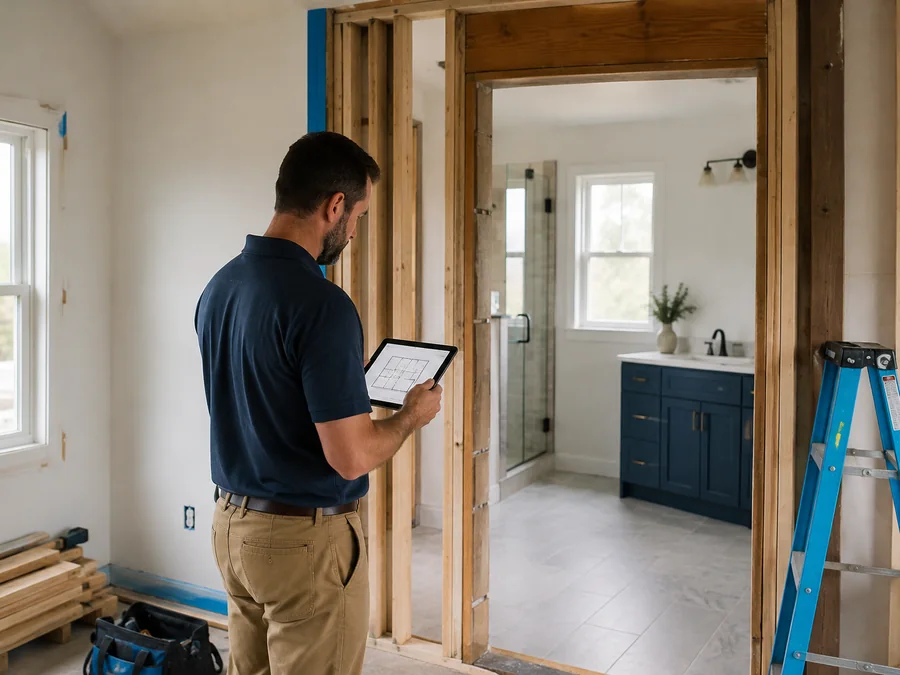
Rough openings, fixtures, clearances, site conditions, progress photos, and punch-list details.
Project-focused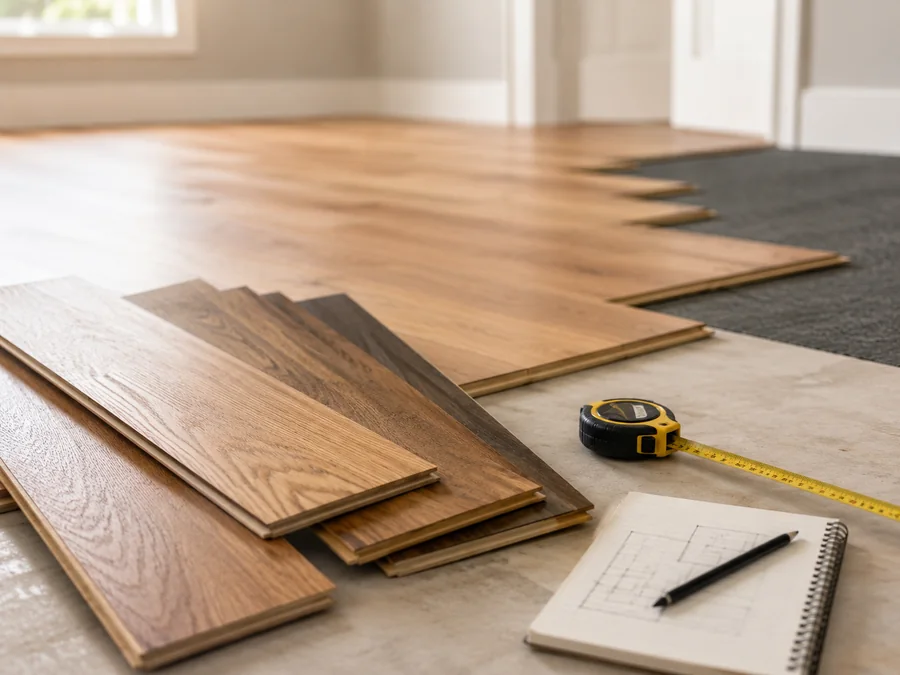
Room dimensions, transitions, pattern direction, material notes, obstacles, and installation conditions.
Room-based
Scopes, site documentation, dimensions, progress records, coordination notes, and field conditions.
Team-ready
Flexible categories and templates for field service, inspection, documentation, and custom workflows.
Fully adaptableMeasurements and photos should move through the project instead of being interpreted and entered again at every stage.
Capture photos, dimensions, annotations, notes, rooms, and openings at the job site.
Choose the measurements that apply to a specific treatment, scope, or configuration.
Send structured data and verified photos to the company workspace when you are ready.
Give office teams and installers the same documented project context across devices.
A field employee captures dimensions, photos, notes, and conditions once. The office can access the synchronized project immediately, review or adjust values, and use approved measurements in calculators, estimates, quotes, orders, reports, or connected systems.
Owners and administrators manage members, invitations, roles, device sessions, access policies, entitlements, and organization activity through the portal.
Start free locally, then upgrade when you need cloud backup, multiple devices, teams, automation, or integrations.