
Project assignments
Give measurers, installers, project managers, and office users access based on their role and assigned work.
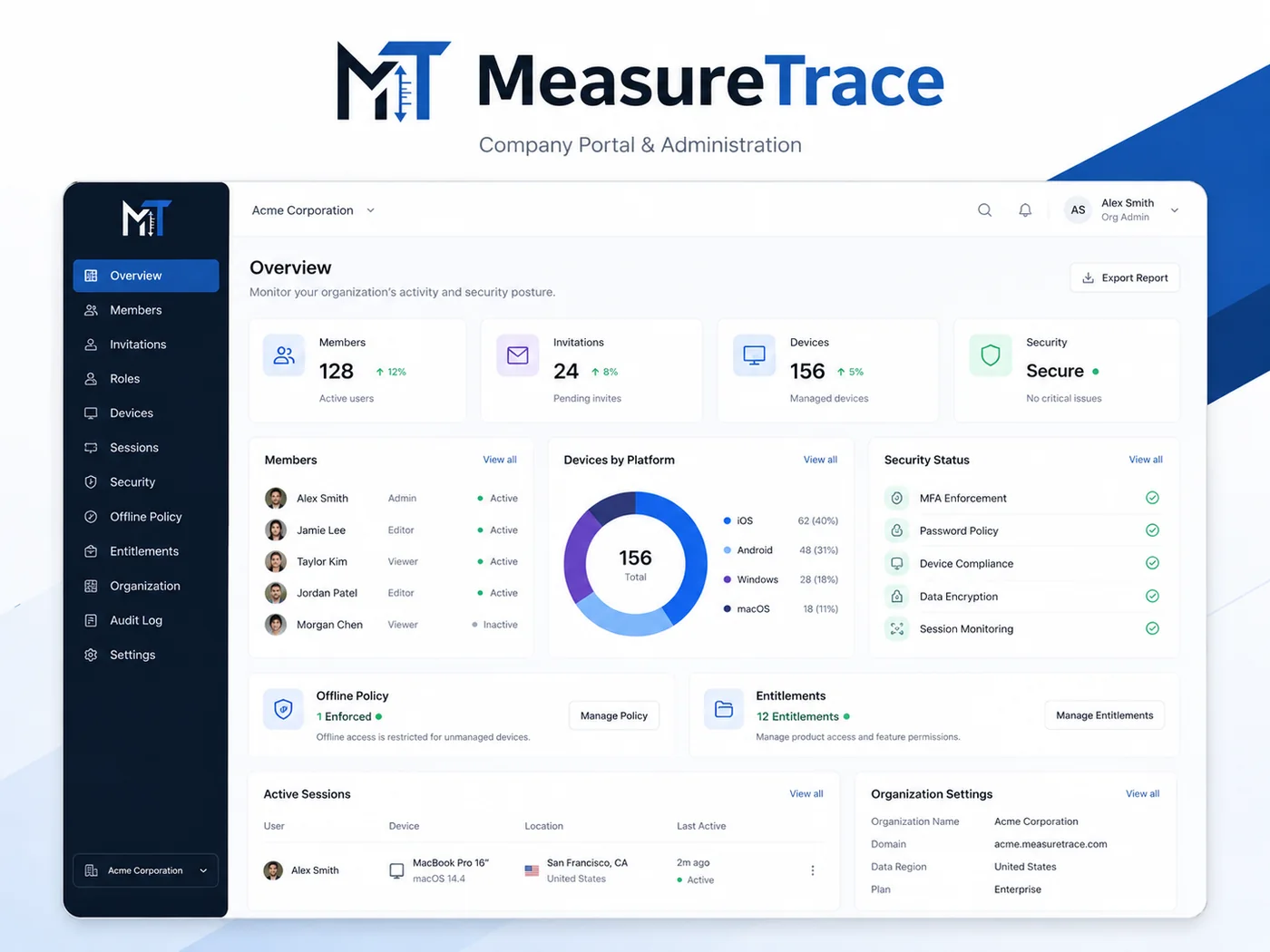
Give office staff immediate access to synchronized measurements, photos, and notes while owners manage roles, devices, invitations, offline access, and company data.
Once a project is synchronized, authorized office users can open the photos, inspect measurement arrows, review notes, select the correct values, and prepare the information for reports, calculators, estimates, quotes, or other systems.
Give measurers, installers, project managers, and office users access based on their role and assigned work.
Authorized users can review structured measurements and make controlled changes without losing the original photo or history.
Projects, measurements, photos, and notes stay with the company even when an employee leaves or a device is revoked.
Revoke one lost device, suspend a membership, or remove company access without changing every user's password.
Apply company terminology, industry configurations, and measurement categories consistently across the team.
Keep a record of invitations, role changes, device sessions, authorization events, and project activity.