
Calculators
Use approved width, height, area, count, or clearance values as calculator inputs.
Capture the dimensions once, preserve the photo context, and reuse approved values instead of typing the same information into every business system.
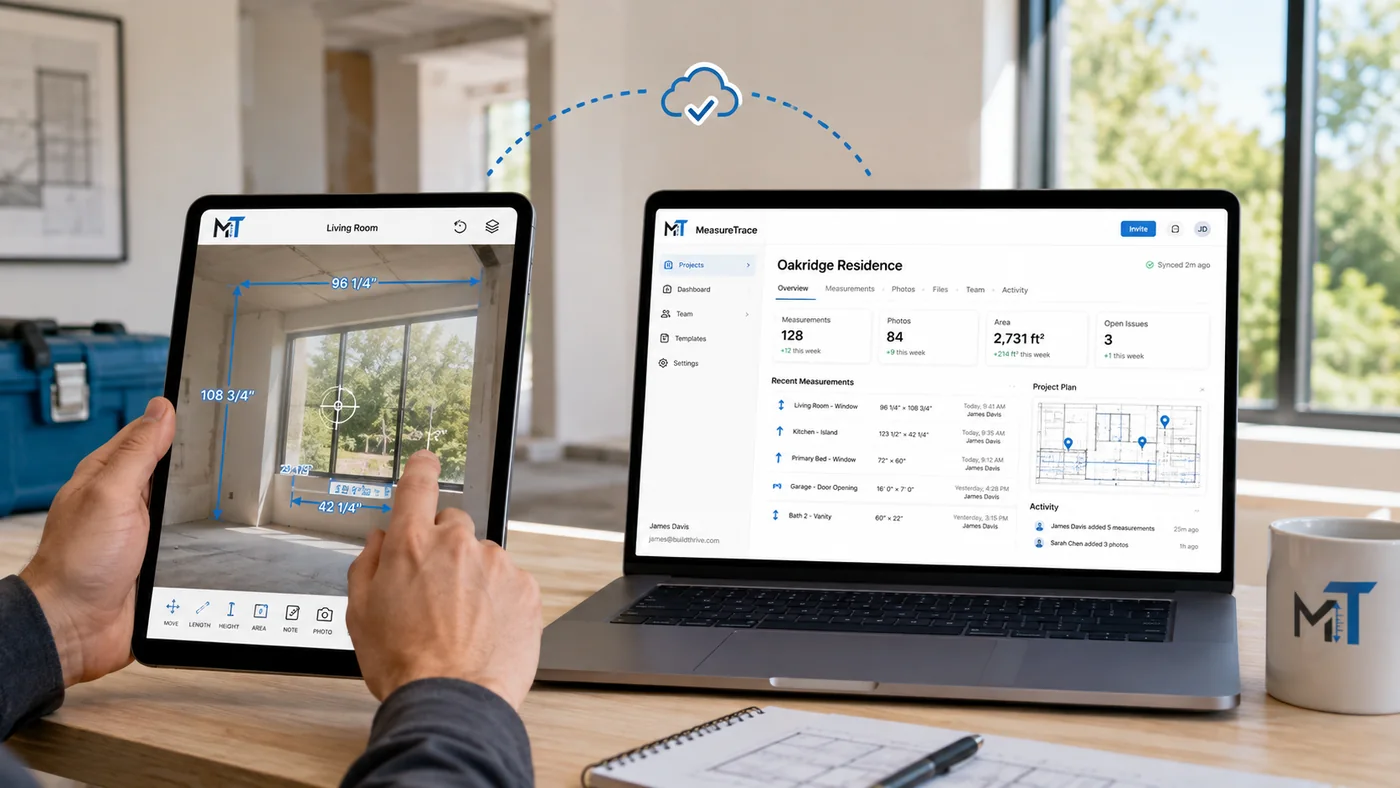
The field user captures dimensions, photos, notes, and conditions under the correct project. Office users can review the same record, select the appropriate values, and prepare them for the next workflow.
Re-entering measurements into spreadsheets, calculators, estimates, quotes, and orders takes time and introduces opportunities for transposed numbers, missed values, and unclear context.
Use approved width, height, area, count, or clearance values as calculator inputs.
Populate estimate or quote fields without rebuilding the site-measurement record.
Keep source photos and approved dimensions connected to documentation and downstream records.
Configure labels and templates for window treatments, remodeling, flooring, general contracting, inspection, installation, and custom workflows.